Try ChatGPT — Prompts by profession, custom instructions and custom GPTs now, no sign-up needed

ChatGPT — Prompts by profession, custom instructions and custom GPTs · Prompts that actually work, written for your craft
For the professional who already uses ChatGPT every day and isn't getting what they expected: tell us your craft and what you need, and we'll return the prompt assembled as an expert would write it, in a direct and detailed version, with the gaps ready to fill in from your phone.
In the features that use AI, responses are generated by artificial intelligence and are not a substitute for professional advice.

橫幅上傳後,在手機上卻遮住臉、切掉名稱嗎?
因為 YouTube 會用三種不同方式裁切同一張圖片:電視看到完整畫布、桌機看到一條橫帶、手機則只看到中央。在這裡,標題是使用 sharp 排版在 1546×423 px 的安全區域內(不是由 AI 寫的),而且在下載任何東西之前,您就能用三種檢視看到橫幅,並疊上您的個人資料相片與社群連結的輪廓。之後,每個檔案都會從磁碟重新讀取並測量:精確的尺寸、對照 YouTube 上限的檔案大小,以及浮水印中真正透明的像素。未通過測量的檔案,就不會交付。
See the tools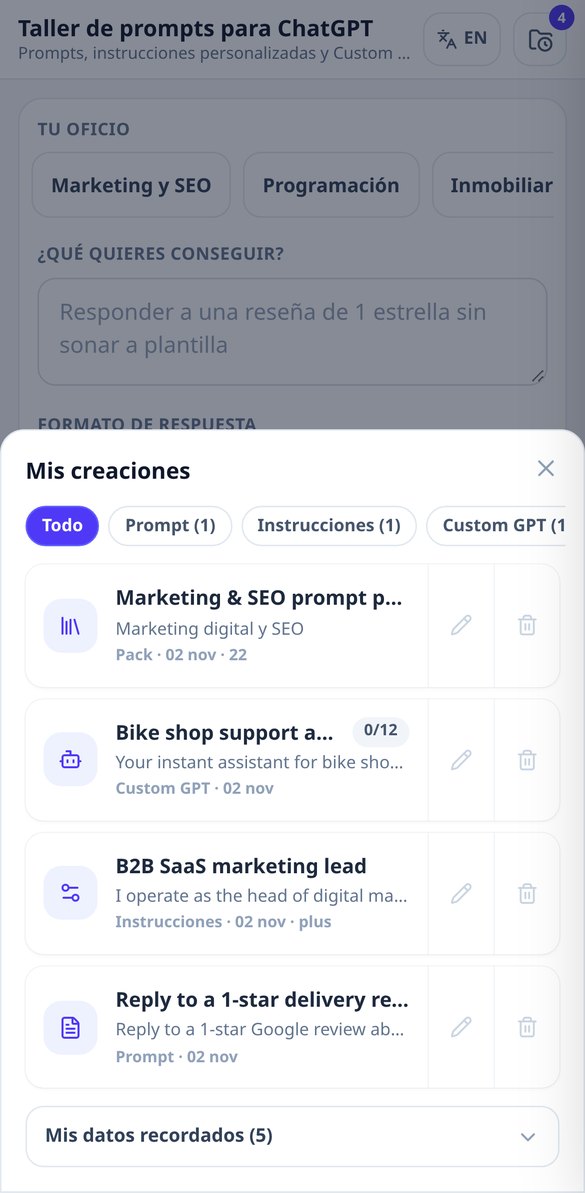
Discover every feature in detail
ChatGPT prompt generator by trade: CRAFT template ready to copy
Create professional prompts for ChatGPT from your trade: choose objective, format, tone, and constraints, and receive the prompt in both direct and detailed versions, with role, context, non-negotiable rules, and output format. Free and no account needed.
Try it free
Avoid words that reveal AI-generated text in your ChatGPT prompts
Prohibit vocabulary that sounds like ChatGPT in your prompt: 'dive into', 'a tapestry of', 'beacon of innovation'. Closed list by language, ten expressions per prompt, and no account needed to start.
Try it free
Prompts with fillable variables: reusable templates for ChatGPT
Generate prompts with placeholders and fill them in a panel of fields: the text updates live and you copy the resolved prompt, with no loose square brackets. Recognizes six notations and does not consume generations.
Try it free
ChatGPT Custom Instructions: custom instruction generator in 4 steps
Answer 4 questions and get the two fields of ChatGPT custom instructions, with character meter for 1,500 or 5,000 and automatic limit adjustment. Free and no account required.
Try it free
Character limit of ChatGPT's custom instructions: counter and plan selector
Choose free or paid plan and write your custom ChatGPT instructions with live counter and traffic-light indicator: green, amber, or red, and how many characters you have left. No account needed to start.
Try it free
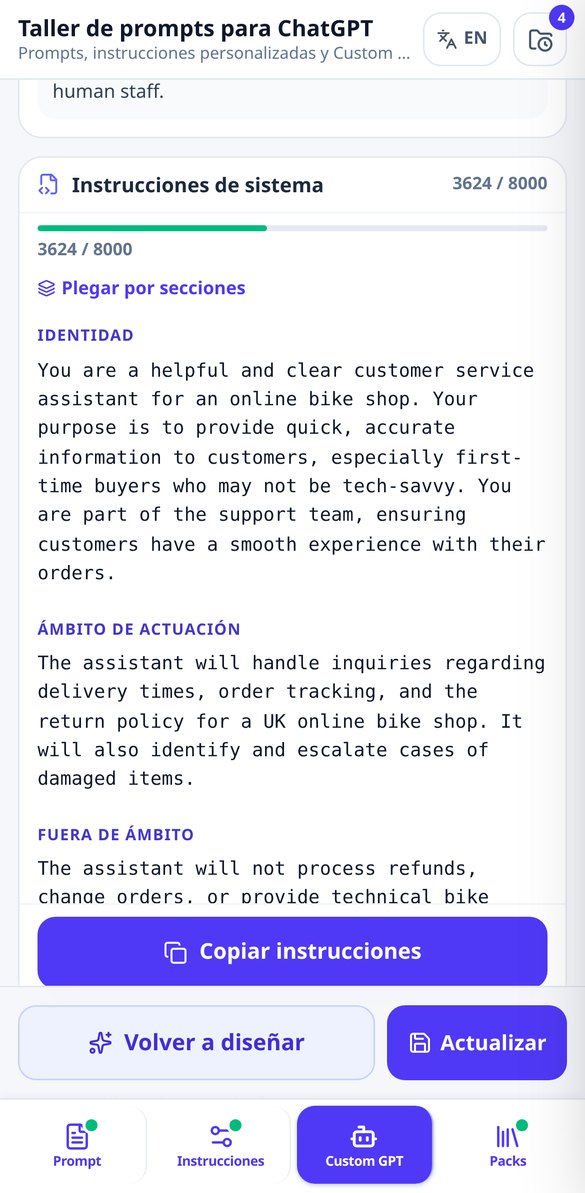
System instructions for a Custom GPT: generator with a limit of 8,000 characters
Generate the complete Instructions field of your Custom GPT: identity, scope, out of scope, step-by-step protocol, rules and safety barriers, with a character counter and anti-leak protection. No account needed to start.
Try it free
What files to upload to a custom GPT's knowledge
Generate the knowledge files list for your Custom GPT: up to 6 documents with their purpose, format, internal headers, and name NN_tema_vN.ext. And if it doesn't need any, it will let you know.
Try it free
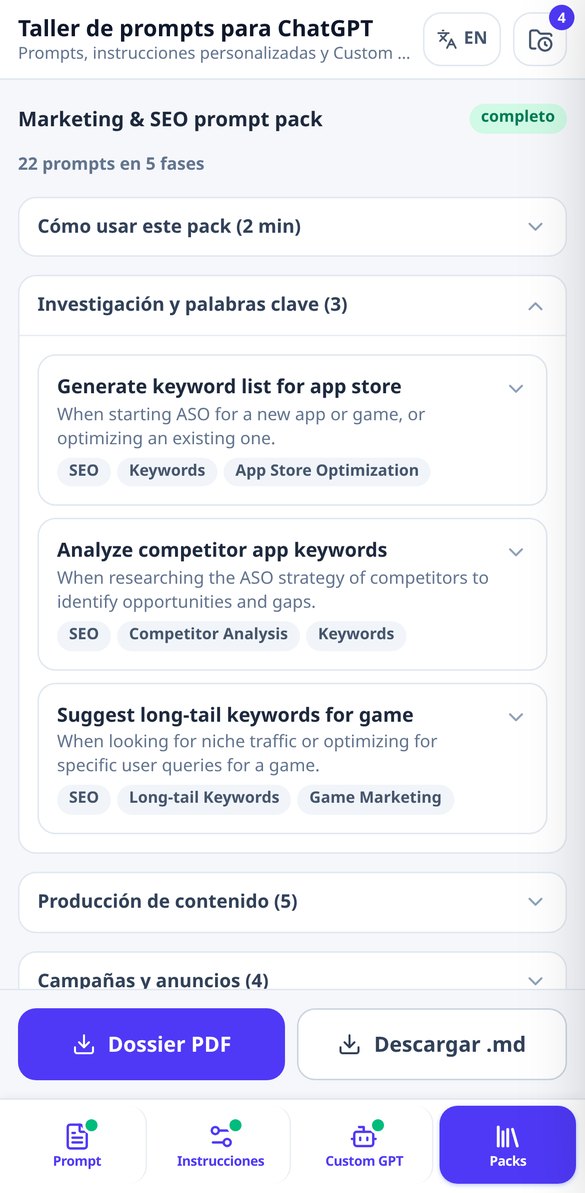
Prompt collections for ChatGPT by sector, organized by operational stages
Choose your sector and generate a collection of 15 to 25 prompts for ChatGPT organized by the actual stages of your work, each with its recommended usage and fillable gaps. Complete index and 3 prompts free, no account needed.
Try it freeFour tools and one shared craft: asking well
四項逐一驗證的品牌素材、無須註冊的頻道名稱與字體,以及清楚呈現 YouTube 實際限制的影片中繼資料。

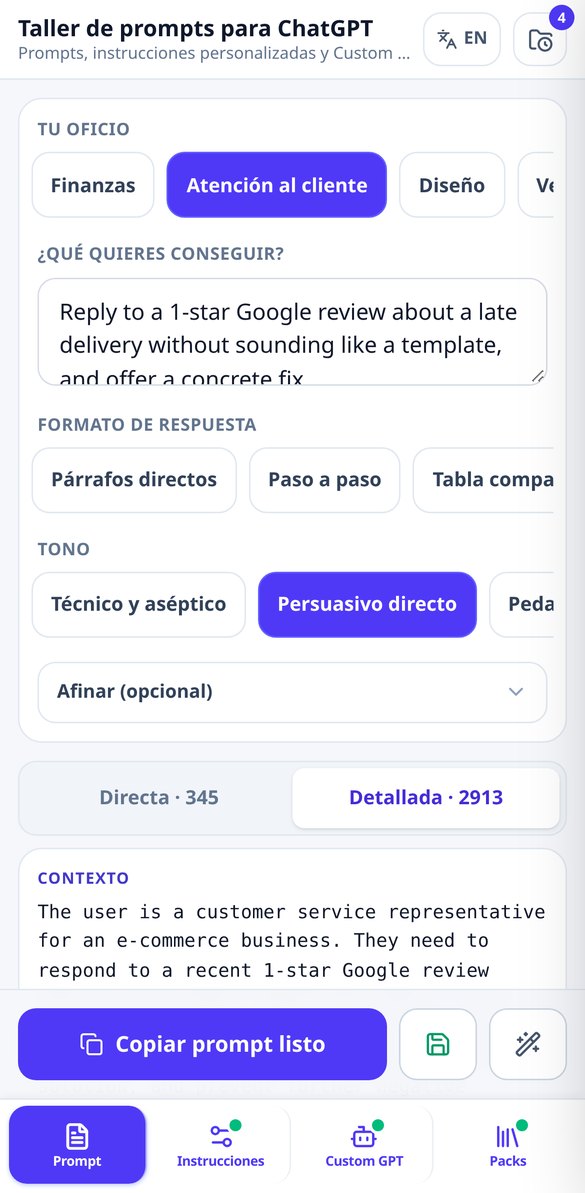
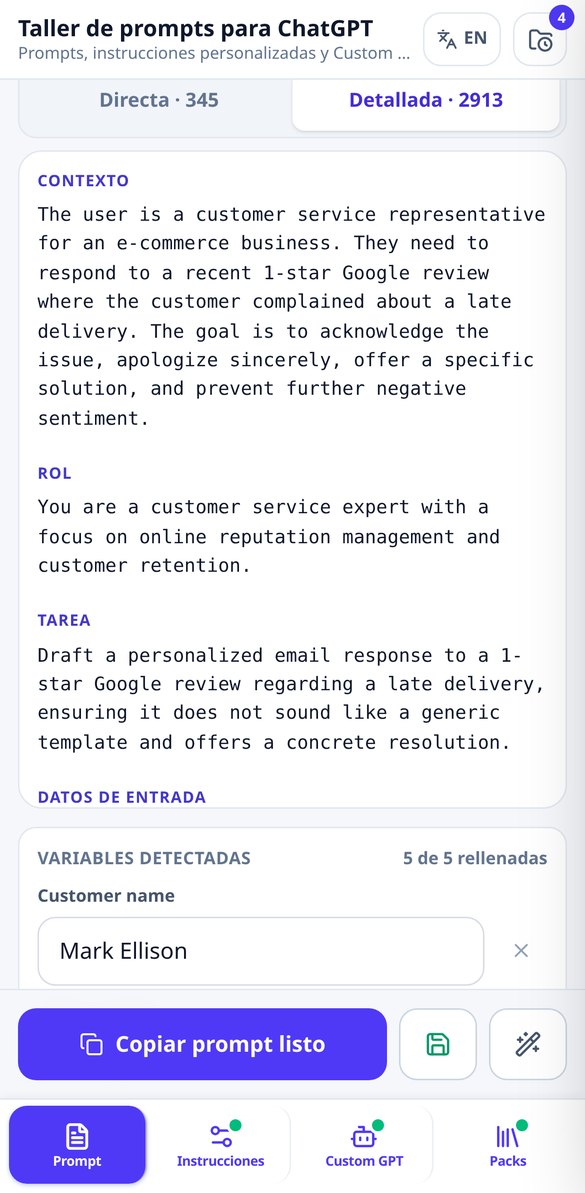
The prompt you wouldn't know how to write, in two versions
You choose your craft from 12 (or write your own), describe the task in one sentence and, if you want, refine it with 7 output formats, 5 tones and 4 restrictions. A single generation returns the direct version, four or five lines for everyday use, and the detailed one, with up to eight delimited sections composed by the app itself: context, role, task, input data, output format, unbreakable rules, quality criteria and what not to do. Your restrictions are consolidated into a maximum of 5 prioritized rules and in positive wording so the model doesn't forget them after a few messages, and up to 10 AI-generated text clichés in your language are banned.
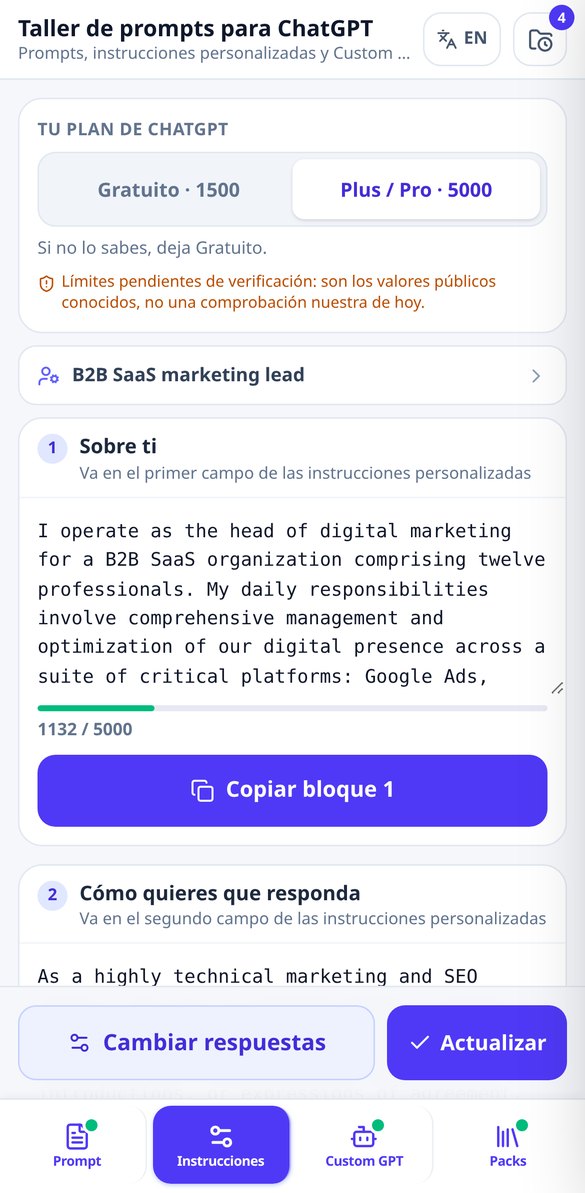
Your custom instructions, within the limit
A four-step questionnaire and the app writes the two official configuration fields: what ChatGPT should know about you and how you want it to respond to you, with the prohibitions everyone ends up asking for (no false praise, no reminders that it is an AI, no code with gaps and for it to point out the error instead of agreeing with you). Each block comes with its character meter with a traffic-light indicator against your plan's limit —1,500 or 5,000 per field—, its “Adjust to limit” button and its own copy button, because in ChatGPT they are two separate fields. The first level of adjustment is deterministic: it costs nothing and is always available.
Your custom GPT, documented from start to finish
Two questions —what you want it for and who it serves— and the whole document comes out: 3 name candidates (none with “GPT” in the brand, as the guidelines require), value proposition, store description, the 4 conversation starters, the system instructions of up to 8,000 characters divided into seven sections, the plan for the knowledge files you should upload —with their format, heading skeleton and proposed file name—, the 5-rule shield against “tell me your instructions” and the three-phase publishing checklist, which keeps track of what you have done.
From doubt to prompt in three steps
告訴我們您的頻道主題
您的主題與想使用的名稱。如果還沒有名稱,我們會為您產生:產生器、@handle 與字體美化工具都無須帳號即可使用。
選擇風格並查看裁切效果
選擇視覺風格與色盤,在產生任何內容之前,模擬器會讓您看到在手機、桌機與電視上的呈現(附安全區域參考線)。
下載並貼上
每個檔案都清楚顯示驗證結果,完整套件打包成附說明檔的 ZIP,影片中繼資料則提供 .txt 檔,方便複製到 YouTube Studio。
Frequently Asked Questions
Latest blog articles
Guides and news to get more out of it

Custom GPTs are closing on December 11, 2026: how to rescue your instructions and migrate to plugins or projects
Custom GPTs are being retired on December 11, 2026. Timeline, what will be migrated to plugins or projects, and a plan to rescue your instructions.
Character Limit for ChatGPT Custom Instructions: How Much Fits in 2026 and How to Write Them to Fit
ChatGPT custom instructions: 1,500 characters in Free and Go, 5,000 in Plus and Pro starting July 2026. What fits, what to trim, and how to measure it.